
Your phone has an expiry date – here’s how to find it
 SKAiF NewsNG SNN
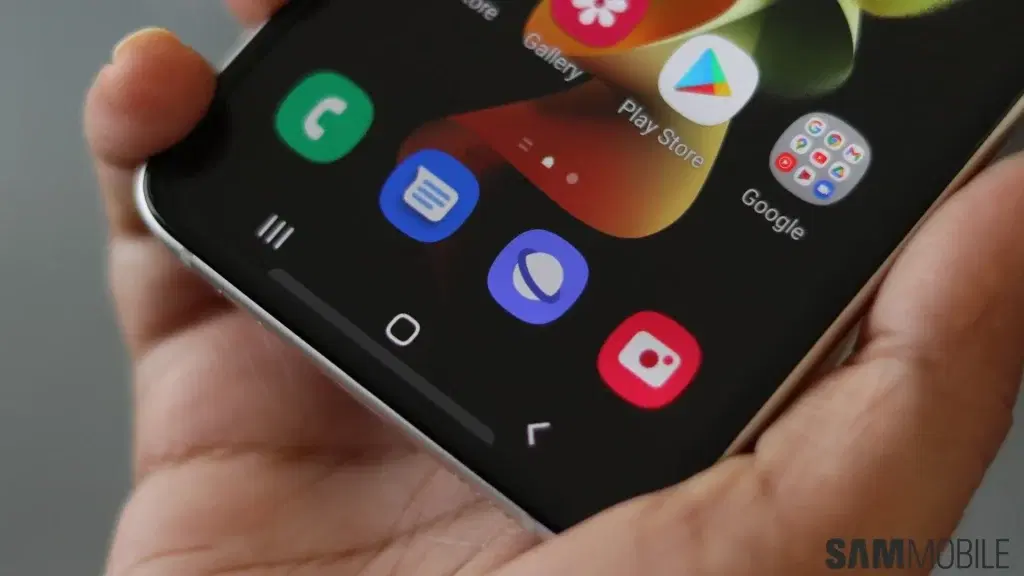
Your Android phone may still switch on, run apps, and make calls, but that does not mean it is still safe or fully reliable to use.
Like all modern smartphones, Android devices come with a hidden lifespan tied not to the hardware, but to software support. Once manufacturers stop providing updates, phones slowly become outdated, less secure, and eventually incompatible with newer apps and services.
For many users, the warning signs appear long before the device completely fails.
Software support determines your phone’s lifespan
Most Android manufacturers now promise between four and seven years of software support for newer devices. During that period, phones receive major Android upgrades, security patches, bug fixes, and performance improvements.
However, once that support window closes, the device begins approaching its “expiry date.”
This is especially important for people buying older phones at discounted prices or through second-hand markets. A cheap smartphone may only have a year or two of support left before updates stop entirely.
Even premium devices eventually lose support. Samsung, for example, promises seven years of updates for newer flagship models such as the Samsung Galaxy S25 Ultra.
How to know your Android phone is nearing expiration
One of the clearest signs is when your phone stops receiving Android updates. Manufacturers usually announce how long devices will be supported, and users can check their update history in the settings menu.
Another major warning sign is the end of security updates. These updates protect phones against hackers, malware, and newly discovered cyber threats. Without them, personal data stored on the device becomes more vulnerable.
Users may also notice that some apps no longer install or receive updates from the Google Play Store. Banking apps, messaging platforms, and productivity tools are often among the first to drop support for older Android versions.
Performance issues can also increase over time. Apps may crash more frequently, battery life may worsen, and newer software features may no longer work properly.
An expired phone does not suddenly stop working
Reaching the end of support does not mean your phone instantly becomes useless. Many older Android devices continue functioning for years after their final update.
For basic tasks like calls, texting, browsing, and streaming videos, older phones can still perform reasonably well.
The bigger concern is security and compatibility. As apps and online services evolve, unsupported phones become increasingly risky for activities involving sensitive information such as online banking, digital payments, or storing personal data.
When should you replace your phone?
Experts generally recommend replacing an Android device once security updates end completely, especially if it is used for financial transactions or work-related information.
For users who only need a phone for simple everyday tasks, older devices can still serve as backup phones, media players, or secondary devices.
But before buying any Android phone: new or used: checking its remaining software support period may be just as important as looking at the camera, battery, or storage size.
The post Your phone has an expiry date – here’s how to find it appeared first on Vanguard News.