Convert Simple Text into Professional Branding Graphics with AI
 SKAiF NewsNG SNN
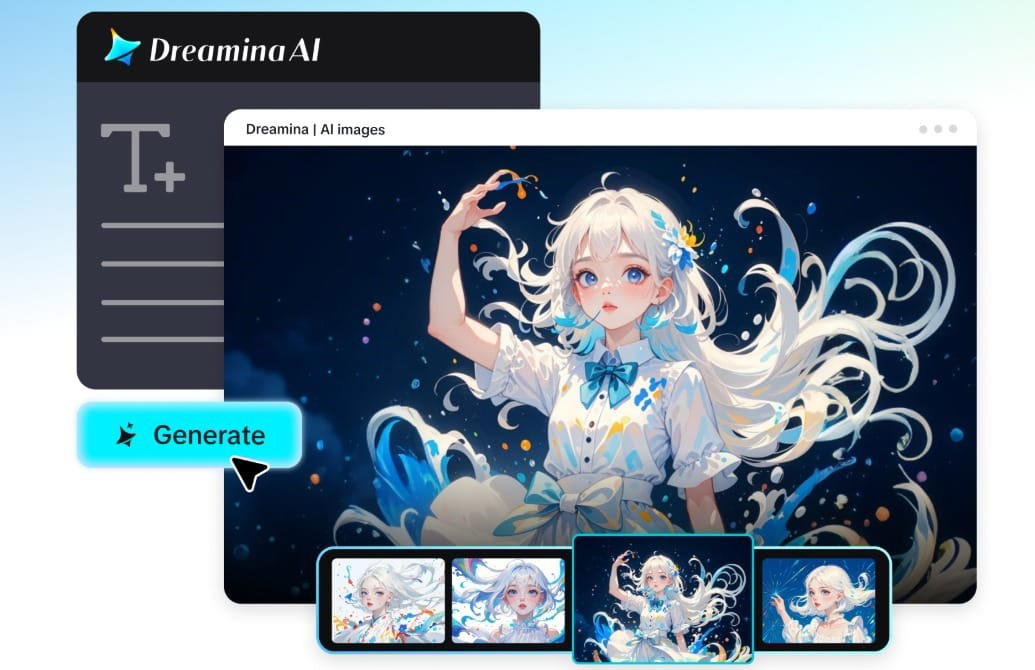
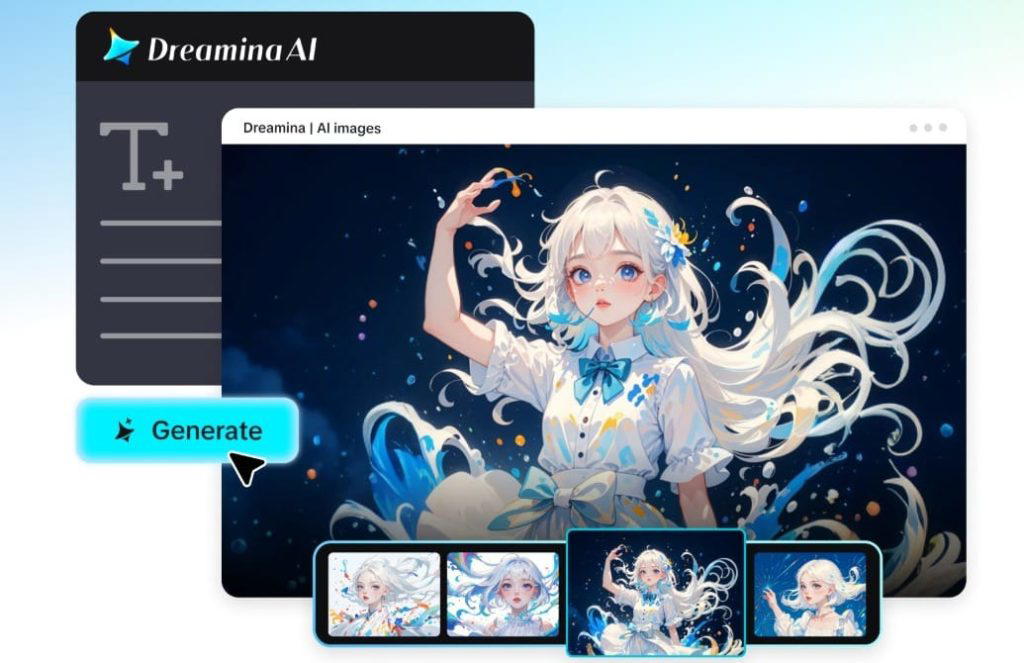
Brand creation once required effort, patience, and a full design team. These days, all it takes is writing a few lines to get a professional-grade image within seconds. The emergence of AI-powered tools based on Dreamina’s GPT image 2 model makes it possible for businesses, designers, and entrepreneurs to create branding visuals without any complicated programs and graphic skills.
For example, you may write something along the lines of “modern logo for a coffee shop with warm colors” and receive a professionally-designed visual in return. The use of AI technology allows creating unique visuals instantly, with no need to spend too much time and effort.
Here is how you can create branding visuals using nothing but plain text.
The importance of branding visuals in today’s world
A company’s name doesn’t fully represent its brand. To establish an identity and communicate a message to customers, brands must use visuals in their marketing strategy.
Effective branding visuals enable a business to:
- Establish a consistent visual identity throughout all platforms
- Look credible and professional
- Differentiate itself from other brands
But what if you lack the design skills to create visuals on your own?
From text to visuals: where it all happens
The beauty of AI is its simplicity. Instead of designing each element individually, you simply write about what you want, and the system designs for you.
There is, however, one caveat – you get only as good results as those that come from clear prompts.
And that is precisely the reason why knowing how to use GPT image 2 effectively will help significantly in improving your work. Rather than writing general prompts, you’ll be able to describe specific styles, moods, color schemes, and compositions in detail.
Take a look at the following examples:
Instead of prompting the “business logo“, be more specific and detailed, like, “Create a minimalist tech startup logo with blue gradient, clean typography, modern icon, white background, professional look.”
The latter will certainly provide much more accurate results.
Creating visuals with no design experience
What sets great artists apart is not only talent but also their thinking process. So, when generating branding imagery, keep in mind the following key aspects:
- Colors that match your brand character
- Fonts that correspond to your brand tone (modern, elegant, etc.)
- Visual components that define your niche
This way, you’ll easily experiment with various concepts.
Instantly generateable branding assets
After gaining familiarity with prompts, a variety of branding assets could be generated by using the tool without switching to another application.
These include:
- Designing logos for new companies or entrepreneurs
- Marketing graphics for social media campaigns
- Banner designs for web products
- Digital advertisement graphics for promotions
With a small change in the prompt, each branding asset can be designed in less time.
Create, refine, release: brand graphics with Dreamina
Step 1: Selecting “AI Image” from Dreamina
In order to use the Dreamina application to create branding graphics, click on the “AI Image” tab on the homepage of Dreamina. Once inside, upload an image from your computer. Then, draft a proper prompt for designing the desired graphic in the dialogue box.
Example: Create a professional branding graphic for a modern skincare brand, pastel color tones, clean design, elegant typography, product display with a minimalistic background, high-quality, 4K resolution.
Step 2: Creating an AI image
Now, pick the AI image, GPT Image 2, and set up the right image resolution and size. Tap the “Enter” button to generate your new image.
Step 3: Downloading a realistic image
After generating images, Dreamina will provide you with four possible variants. Select the best image, customize it using options such as inpaint, remove, etc. In the end, tap “Download” in the top-right corner of the website to download your image.
From abstract ideas to sophisticated branding
Sometimes you just have an abstract idea, but don’t worry—AI will help you turn it into a polished product.
To develop your idea:
- Add color scheme details
- Define composition and layout
- Include tones like “premium”, “funny,” or “vibrant.”
Every change brings your image closer to perfection.
Ensuring brand consistency in visual content
Brand consistency is crucial for any business. You must ensure brand consistency while creating different visuals with the help of AI.
For that, try doing the following:
- Using repetitive phraseology
- Keeping a similar color palette
- Maintaining comparable compositions
This creates an effective visual identity.
Experimentation without creative limitations
Another great advantage offered by AI-generated design is flexibility. You’re not limited to just one design—you can generate as many variations as possible.
For instance, you may want to try:
- Branding your products differently
- Creating seasonal variations of your designs
- Designing layouts that work for other platforms
With the availability of a free GPT image 2 model for everyone, you can experiment easily and effectively.
Injecting your graphics with personality
Being professional does not mean that your design should lack personality. Sometimes, it’s quite the opposite—the more character your graphics have, the better.
Consider such things as:
- Playfulness or seriousness of your brand
- Whether you need bold or gentle images
- The emotions that your images should create in people
All these aspects can be embedded into your prompt to create more appealing graphics.
Preparing your graphics for actual use
After generation, your graphics need to go through several finishing touches.
In particular, pay attention to such details as:
- Readability of text on your images
- Alignment and spacing of the elements
- Contrast ratio
These final tweaks will make your graphics ready for use, be it digital or physical.
From concept to identity in a few minutes
That which would take many hours of brainstorming and designing can now be done in just minutes. Using AI technology, you can turn imagination into reality by creating great visuals for your branding needs.
With AI, you won’t have to wait for inspiration to strike because it can create it on the spot.
You won’t need a team of designers when you can create great branding visuals by yourself.
And lastly, you won’t be limited to generic designs because you can make anything you desire.
Conclusion: creating your own brand visuals using Dreamina
Creating professional brand visuals no longer needs complicated software and expertise. You can make professional-looking visuals based on your concept and ideas using Dreamina’s GPT image 2 tool.
This is because using this model can save you time by letting you make visuals from text input quickly and easily. You can design your brand’s logo, marketing graphics, and more within the same interface.
This way, you can make your branding much more efficient and effective without any hassle.
The post Convert Simple Text into Professional Branding Graphics with AI appeared first on Vanguard News.