
How Does the iPad 2025 Pro AI Function? Find Out Here
 SKAiF NewsNG SNN
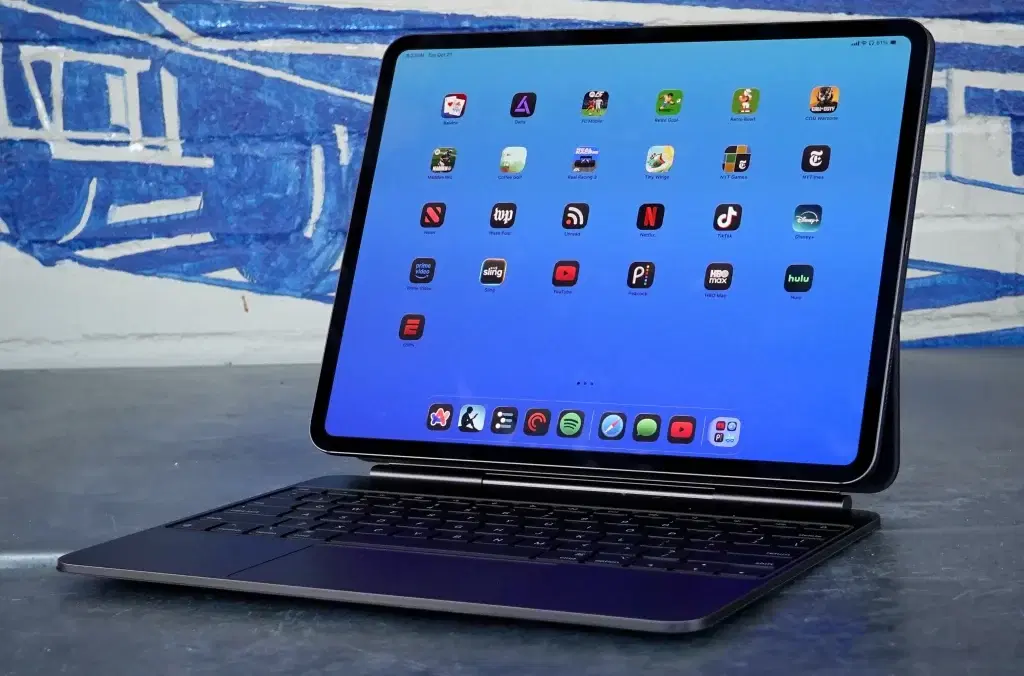
Tech giant, Apple, has announced plans to introduce a new model to its iPad Pro lineup, the iPad Pro 2025.
Although most of the features are no different from the 2024 version, this version comes with an added boost on performance. One of the features that many tech enthusiasts will be looking to see is the AI performance.
Why, you may ask?
The AI functionality is available in previous models but this one is different.
Let’s dig a bit deeper into how the iPad 2025 Pro Ai works.
What is the iPad 2025 Pro AI?
In other phone brands, you have to install third party software to access different AI capabilities, such as writing tools, photo editors, translations, among others.
Apple, on the other hand, created its own AI model known as the Apple Intelligence. The AI is designed to help you accomplish a list of activities, including writing emails, editing photos, translations, creating unique emojis, etc.
While the AI functionality provides all the Apple Intelligence features to iPad users, the thing that sets it apart from many others is that the iPad Pro comes with an M5 chip. The chip makes the AI more efficient in handling more complex workloads.
And remember to buy an iPad Pro 13 M5 Case to add an extra layer of protection to your phone and lenses.
How Efficient the iPad 2025 Pro AI is?
The iPad 2025 Pro predecessor, the iPad 2024 Pro, used the m4 chip, which was quite good and effective. But now, the M5 adds an extra layer of performance.
According to Apple, the M5 chip ensures that the AI performance is 3.5 times faster than what the M4 provides. They go on to add that the chip will be 5.6x faster than the M1. This means that the iPad Pro 2025 can handle heavier workloads, and is able to complete tasks within a very short time.
For instance, if you want to generate an image or mask videos, it might take less time for the AI to generate a good output
You can also enhance your iPad experience with an iPad Pro 13 M5 Keyboard Case that’s durable, sleek, and comes with a holder for your Apple Pencil.
What can you use the iPad 2025 Pro AI for?
You can use the iPad AI for various things.
- Communicate Better: The AI feature offers various communication tools for users. For instance, you can use it to rewrite texts or rewrite emails quickly.
- Live Translation: If you’re receiving inboxes from a different language, the AI can help you translate the messages directly without having to copy paste to other third-party translation apps.
- Generate images and edit images: You can use the AI to generate images or even edit photos that you take with the iPad’s cameras. You can also clean up photos. For instance,you can remove objects you don’t need from the picture you took without needing any complex editing tools, instead of having to delete and take the photo again.
- Generate emojis with Genmoji: If you want to communicate with an emoji but you don’t have the exact emoji that can communicate what you want to say clearly, you can use the Genmoji feature to achieve this.
Final Words
The iPad Pro 2025 AI has a lot to offer to its users. Although we are yet to test, this technology seems to be one that will be revolutionary in the world of smartphones and technology in general.
The post How Does the iPad 2025 Pro AI Function? Find Out Here appeared first on Vanguard News.